What Zoomy can help with
Three services: delivery, moving and junk removal. Courier runs and large or bulky items are delivery categories, not services of their own. Browse what fits your job here — whether Zoomy can take it at your address, when, and for how much is confirmed in the booking flow.
Nothing is carried from this page yet — you choose the service next. Nothing is booked or charged here.
What do you need help with?
Pick the closest job. You can change it at any point, and nothing is committed until you see what is offered for the job you described.
The three services
Three services is the whole product. Each one says whether it is currently bookable once that has been read from the catalog — and where it is not, the card keeps its description and drops the booking action rather than sending you into a flow that cannot finish.
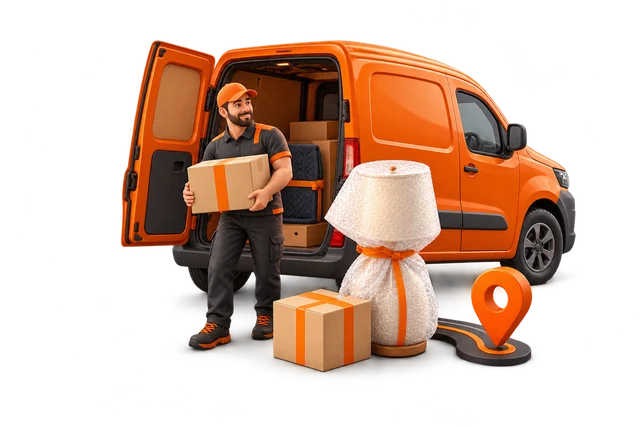
Delivery
From a courier pickup and drop-off to larger and bulkier items, with the exact job confirmed when you describe it.
- Courier
- Large / bulky
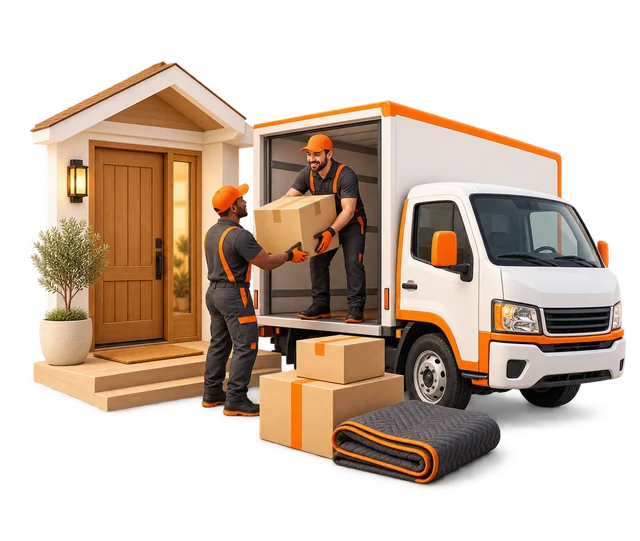
Moving
Describe what is being moved, then see the options and pricing presented for that job.
- Labour only
- Home and room moves
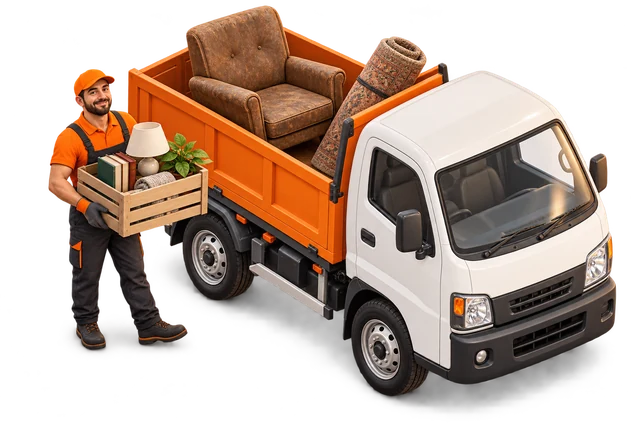
Junk removal
Describe what needs to go and how much of it there is. What Zoomy can take is resolved for that job before anything is booked.
- Single items
- Cleanouts
- Whole-space clearouts
Which one fits your job?
The difference is not size — it is who lifts, and what happens at the end.
| Service | Moves | Needs | Ends with |
|---|---|---|---|
| Delivery | A parcel, or one large piece | One pickup, one drop-off | The item at the other address |
| Moving | A room, a home, or an inventory | Labour, and sometimes no vehicle at all | Everything placed where you want it |
| Junk removal | Things you are done with | Volume, and what is going | The items gone, under current disposal rules |
Still between two? Pick either — the booking flow confirms the scope before anything is charged.
Find it by what you have
Can Zoomy do this at my address?
Knowing a city name is not the same as covering an address. This page cannot tell you, and it will not guess: enter the real pickup and drop-off in the booking flow and the product answers it against current coverage.
Check an addressGetting started, in five steps
- Say what you need — a service, or the job in your own words.
- Give the addresses the job needs and the scope — what the items are, and how many.
- See the options and times actually available for that job.
- Review the exact price for what you described.
- Book, then follow the job from your orders.
Steps 2 to 5 happen in the product. This page does not ask for them twice.
Where the price comes from
There is no price list on this page, because a price without your job details would be a guess. The exact amount is built from what you describe and shown before you pay.
- What is moving
- Distance and route
- Labour and crew
- Timing
- Disposal, for junk removal
Straight answers
What services does Zoomy offer?
Three: delivery, moving and junk removal. Everything else — courier runs, large or bulky items, labour-only help, cleanouts — is a category inside one of those three.
How Zoomy works, in full →Is large-item delivery part of delivery?
Yes. Courier and large or bulky are both delivery categories. You choose delivery, then the category that matches the item.
See what delivery covers →How do I check service at my address?
Enter the real addresses in the booking flow. No service page and no city page can confirm an address; only the product reads current coverage.
Browse the places Zoomy publishes →Keep looking
Ready to start?
Choose the service that fits, then describe the job. Nothing is booked or charged on this page.
Get a priceCarries forward: nothing yet. You choose the service on the next screen.